

 Andronix
on Android, fully automated.
Linux is a free, open-source operating system, like Windows or macOS. It powers millions of computers, phones, and servers, and is used by students, developers, and educators worldwide.
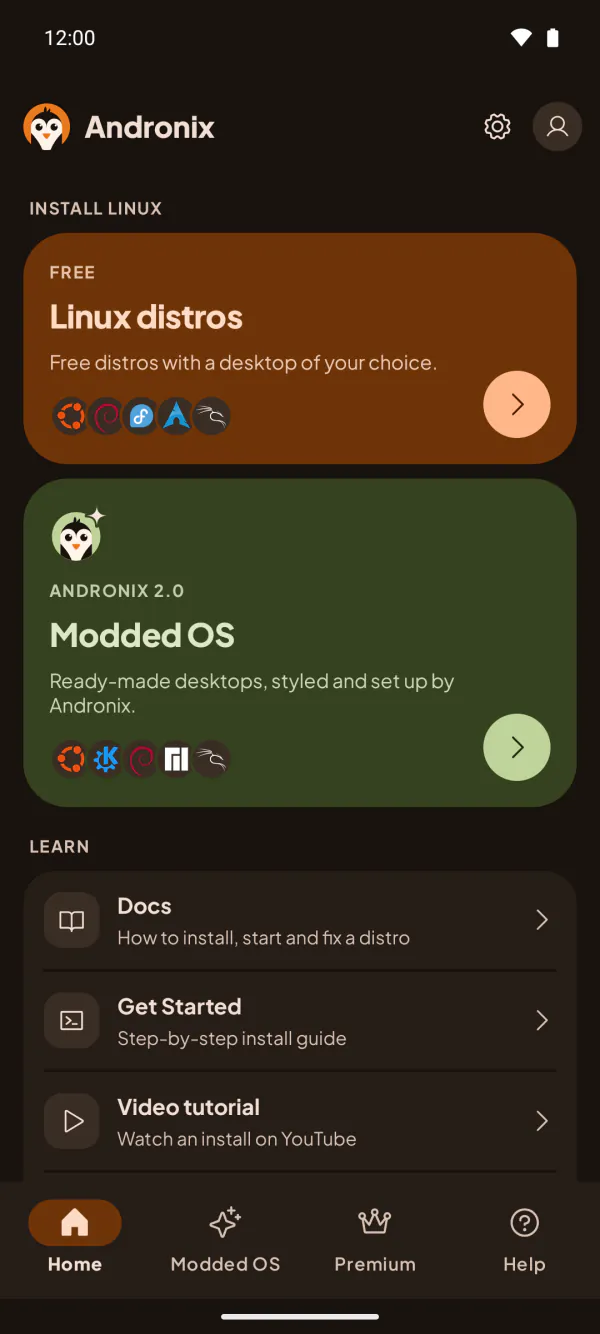
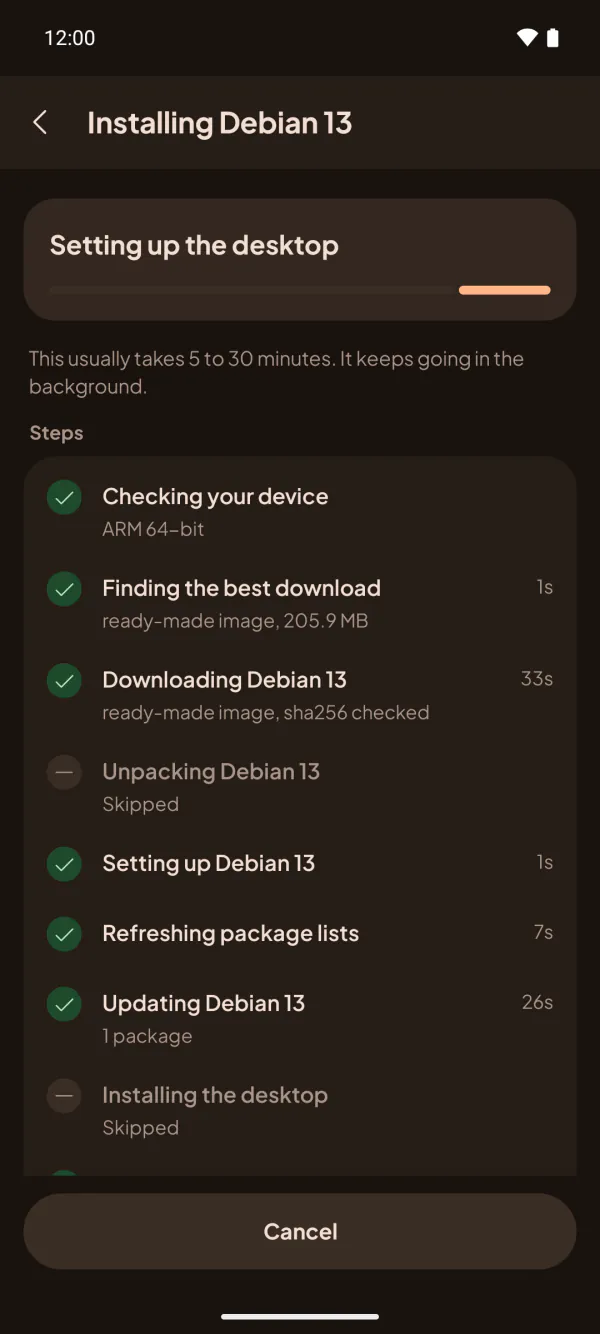
Open Andronix, pick a distro and start the install. The app sets up Ubuntu, Debian, Kali or six more distros, with a full desktop and sound, and opens it for you. No root and no commands.

Distributions
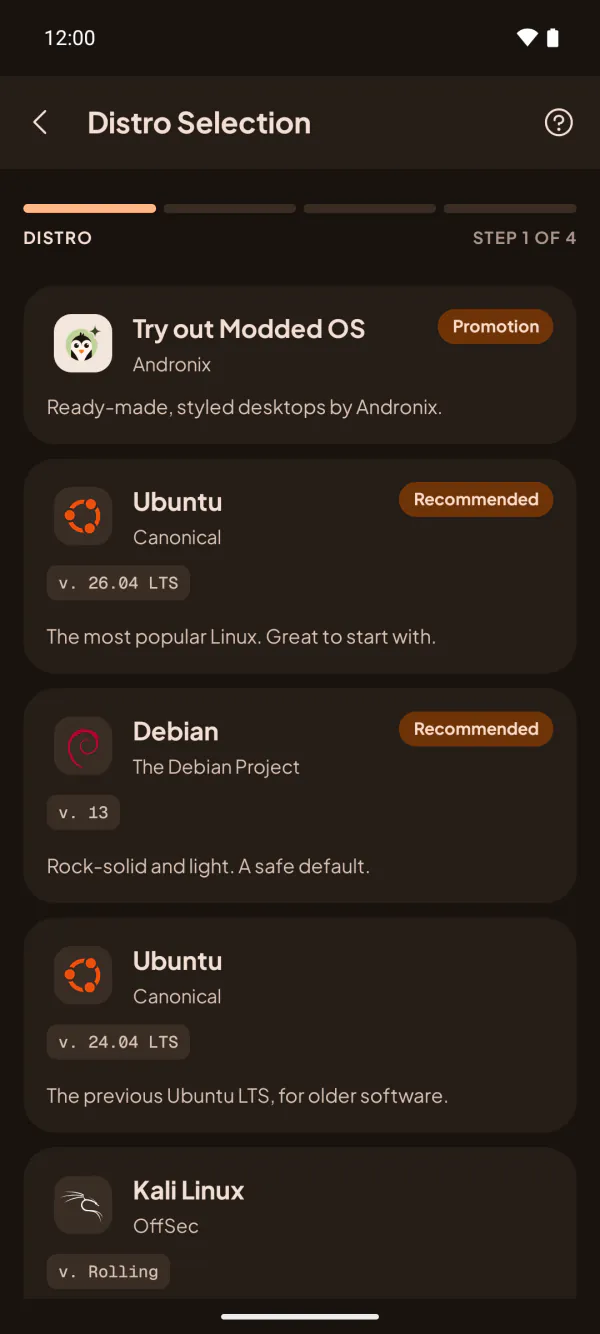
Nine distros. All free.
Every distro and every desktop is free, with backups, developer packs and updates included. The same list you see in the app.
 Recommended


Kali Linux is provided for cybersecurity education and authorized security testing.
How it works
Open the app, pick a distro, and your desktop starts
-
Get Andronix
Install it from Google Play. There's nothing else to install.
-
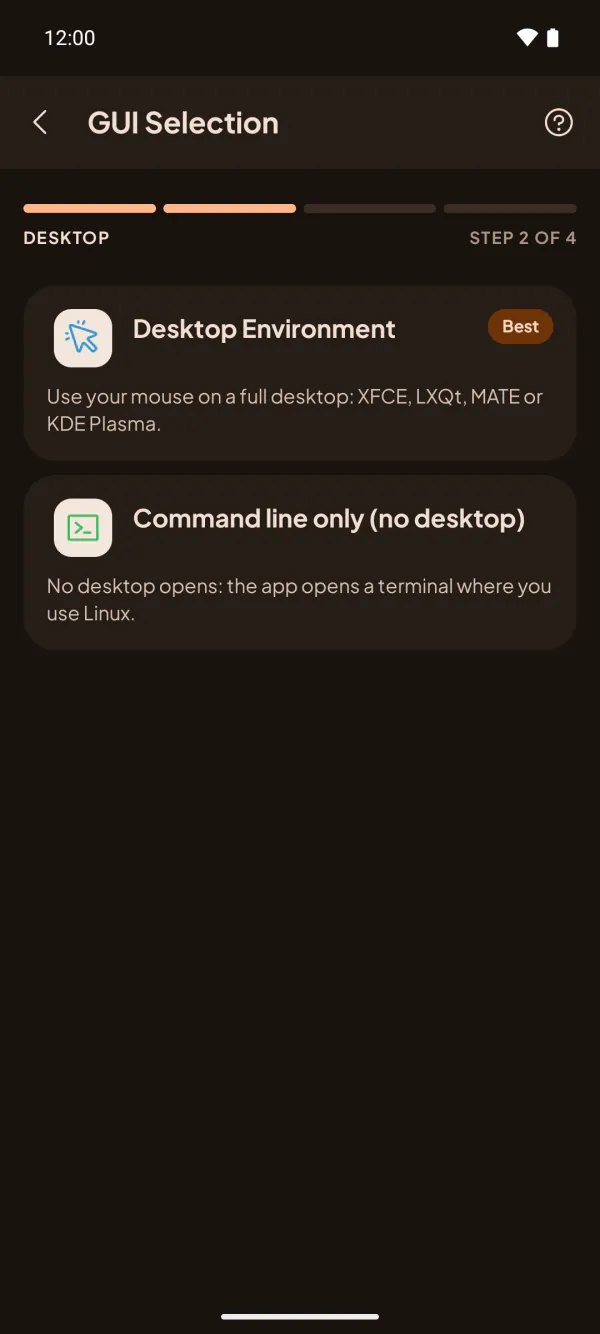
Pick a distro and start the install
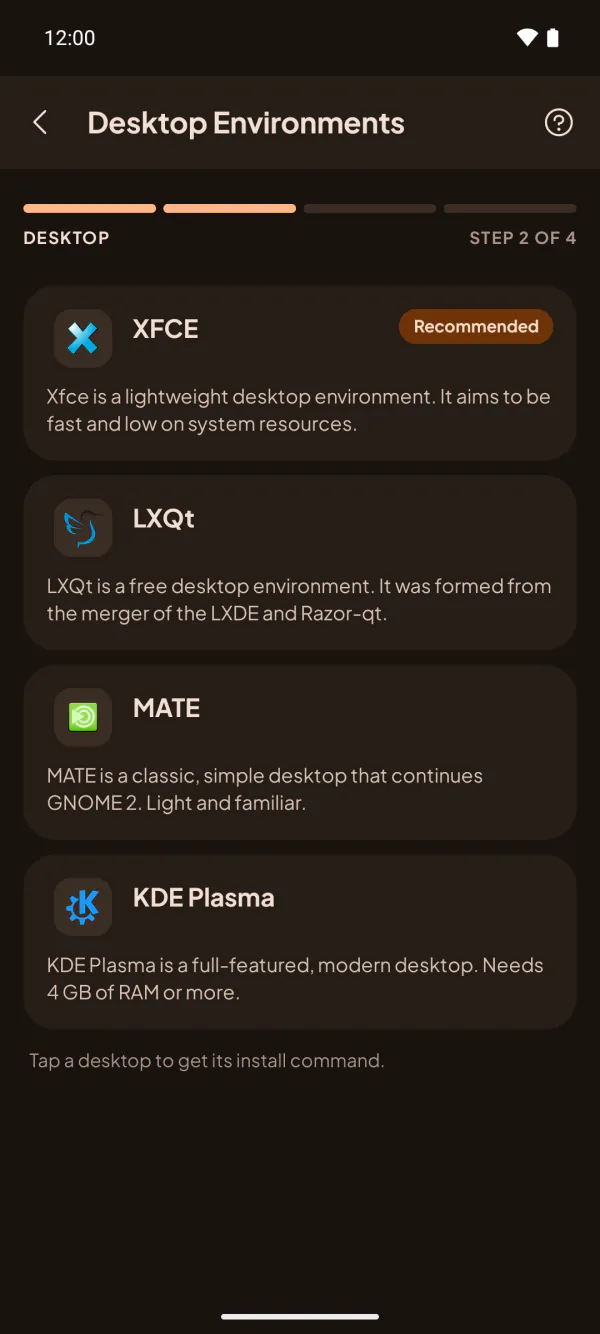
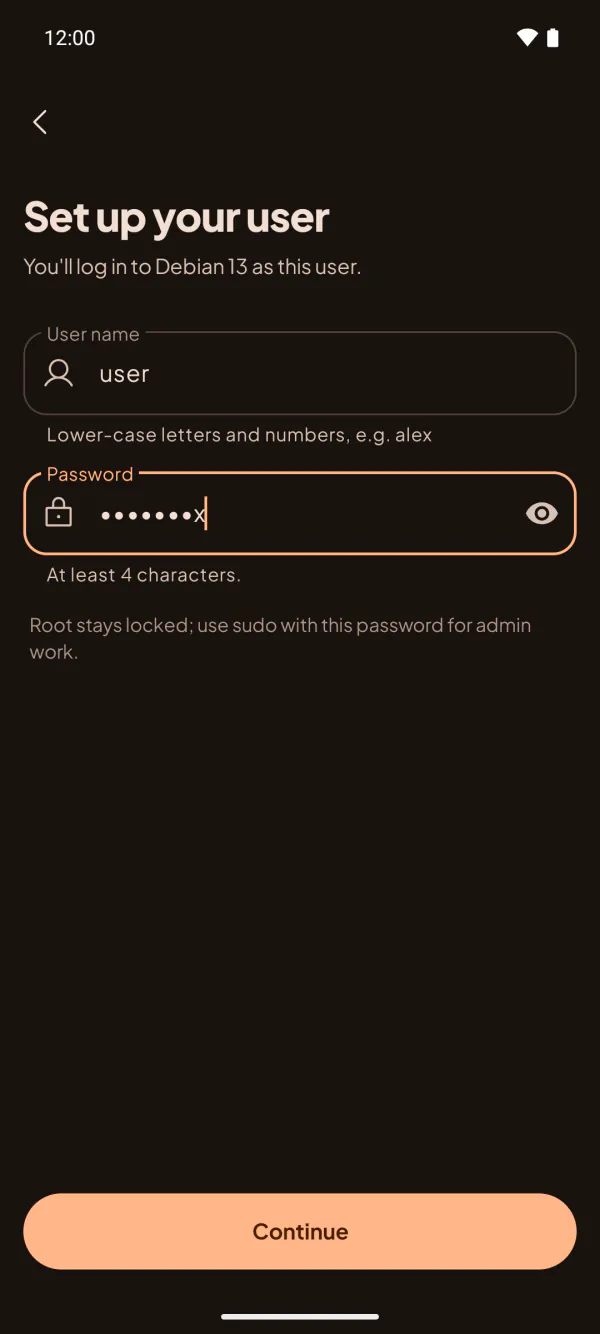
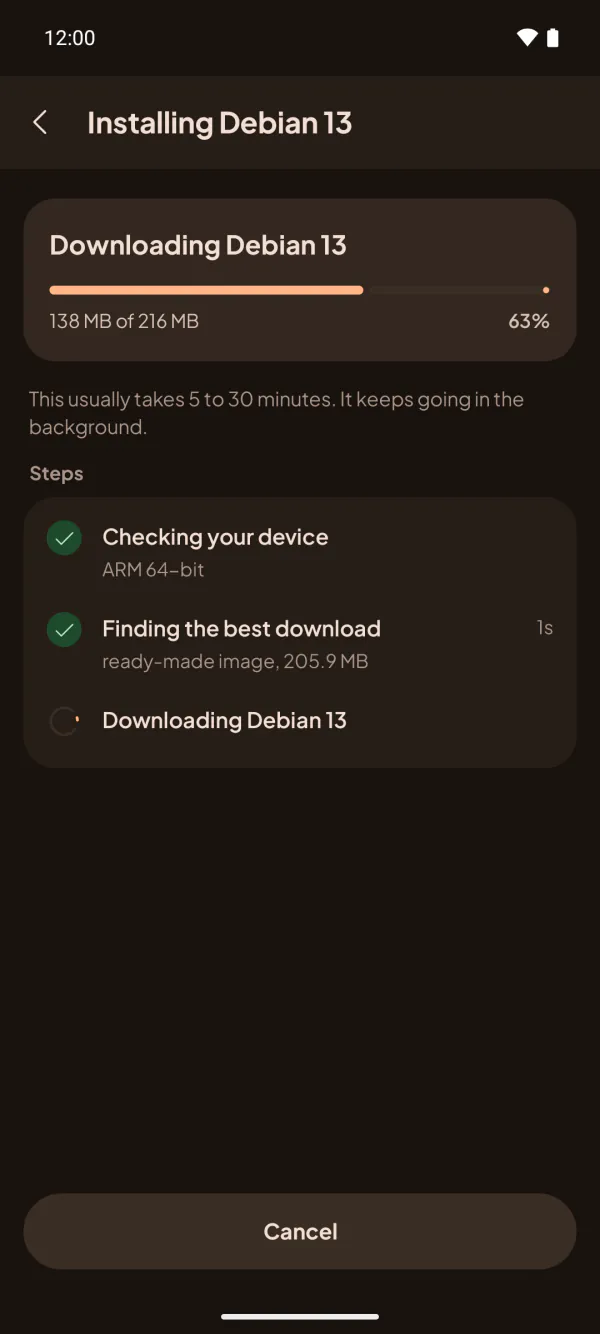
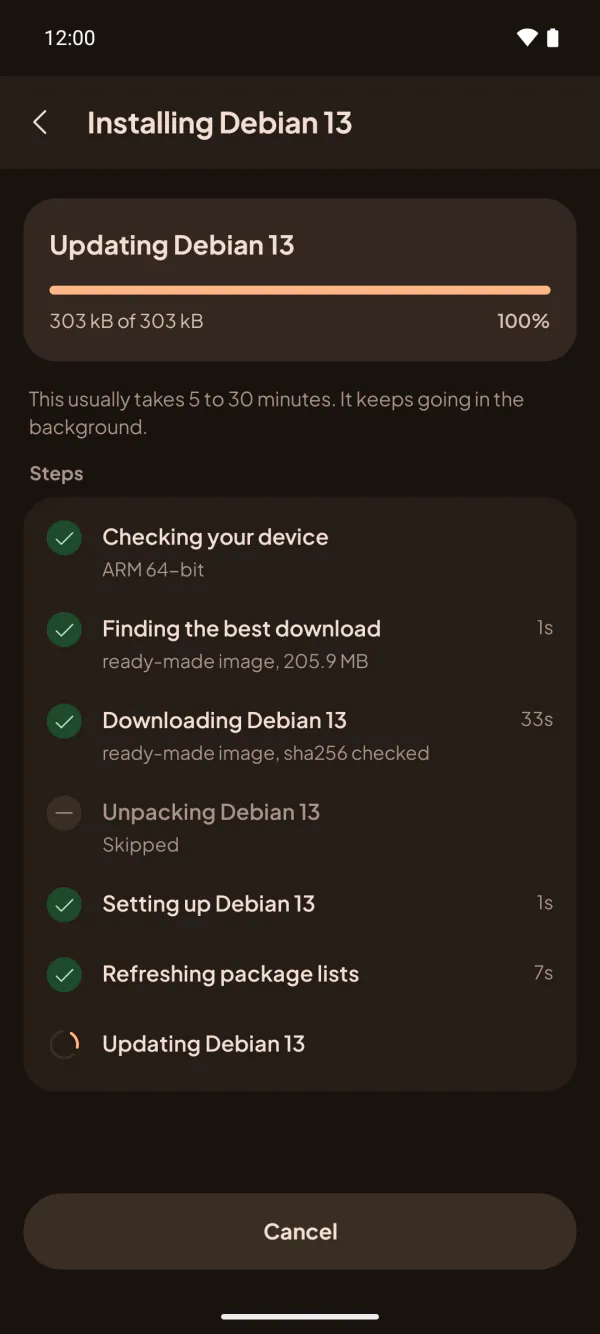
Choose a distro and a desktop, and set your username and password. The app does the rest and shows each step.
-
Your desktop starts
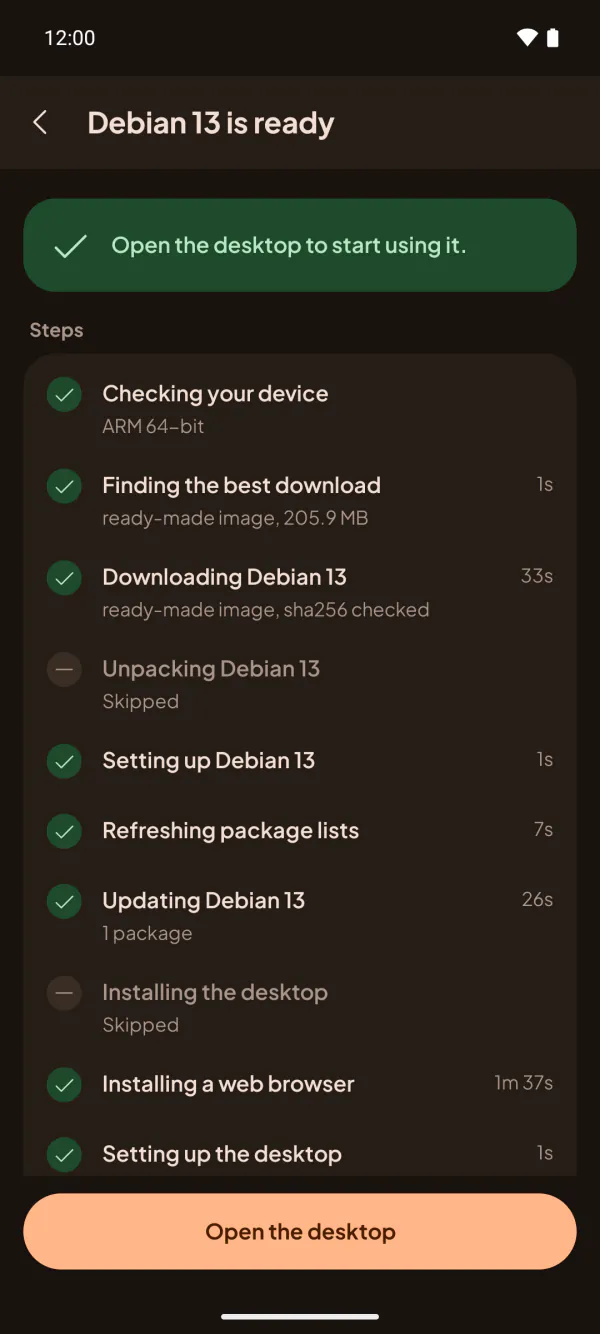
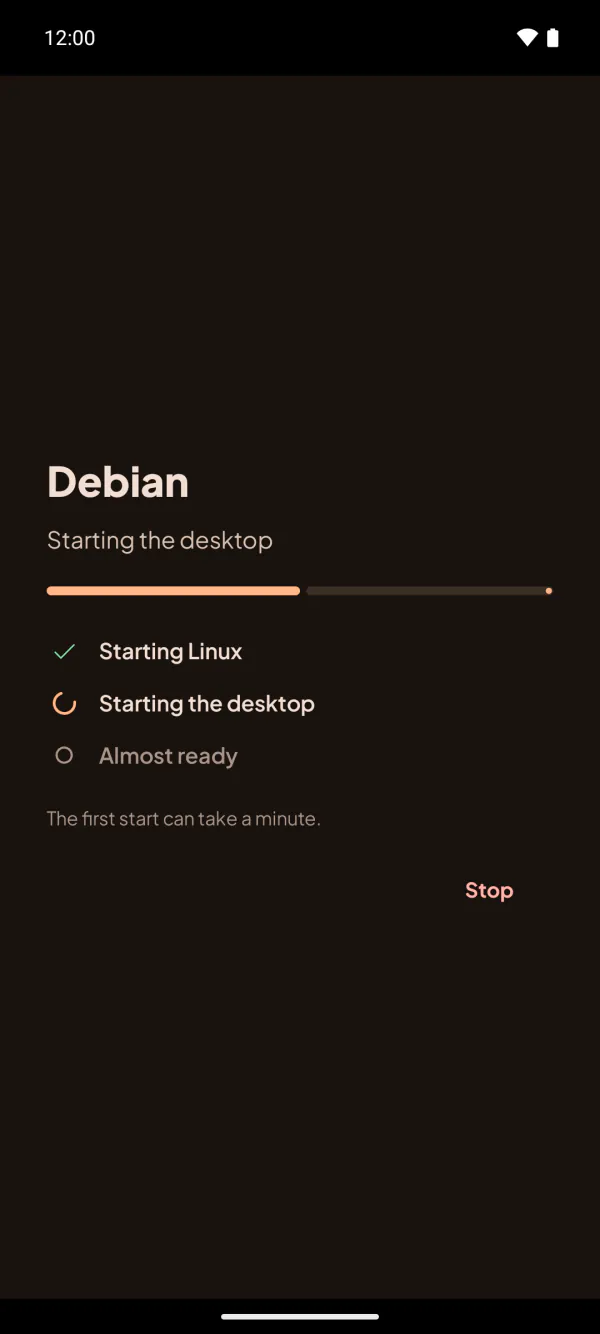
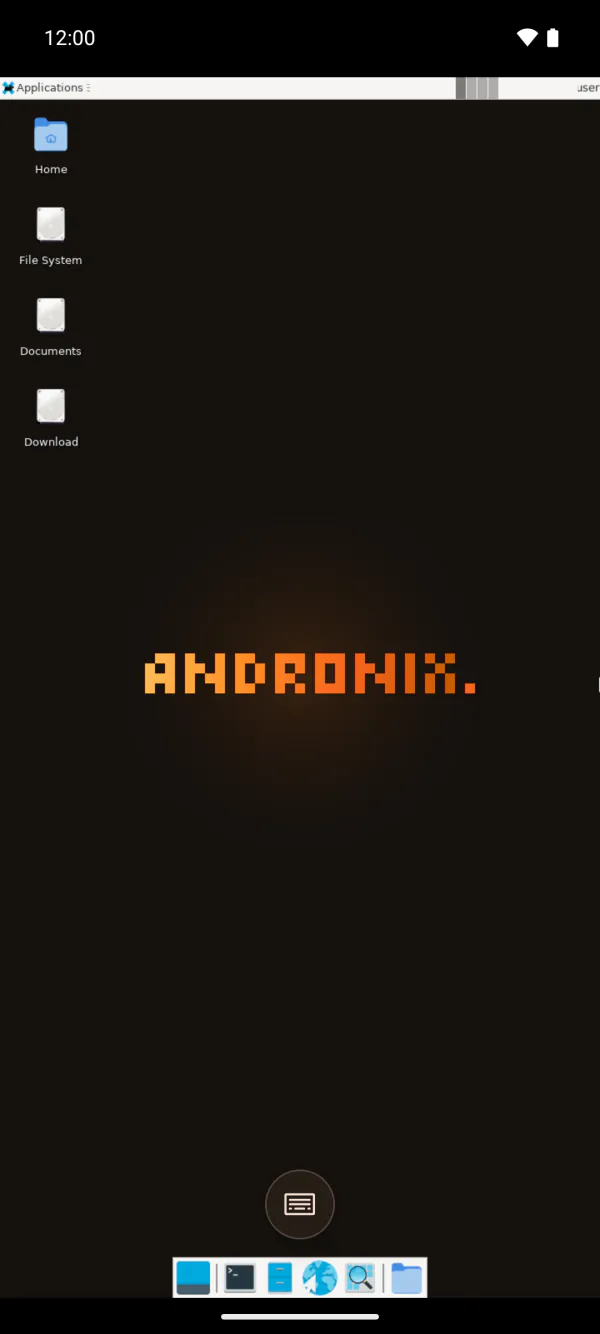
When it's done, tap Open the desktop: it opens in the app, with sound. Next time it's one tap from Home.
On a phone with Android 7 or without a 64-bit ARM processor, or if you want the command-line installer, use Andronix with Termux: the Termux guide.
Read the full guide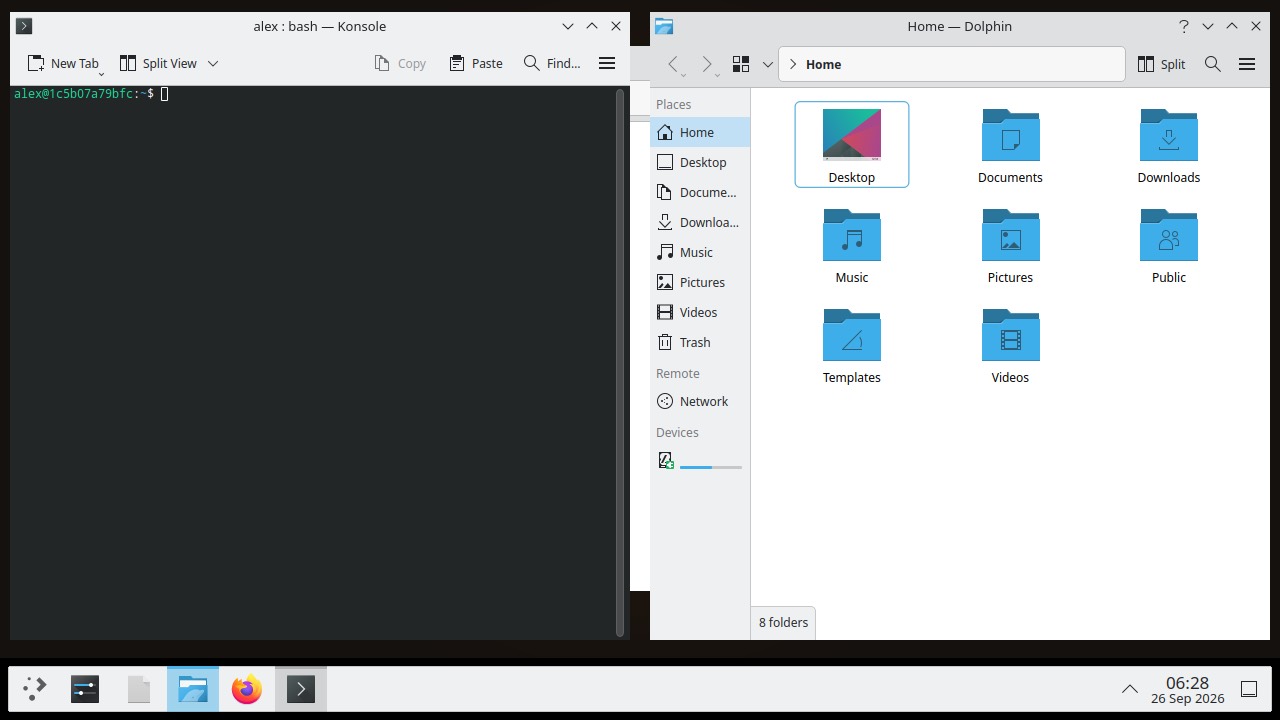
Linux in the app
New in 10.1: the app installs and runs the distro itself, with a desktop, sound, a web browser and your user. Nothing else to install.
Big screens and foldables
New in 10.1: a two-pane Home on tablets, desktop sizes that fit the screen, tabletop posture on foldables, and keyboard and mouse.
Current versions
Ubuntu 26.04 LTS, Debian 13, Fedora 44, Alpine 3.24 and more, with Firefox included. Window managers are retired; old installs move to XFCE.
A normal user account
Distros set up a regular user for you, so you no longer run everything as root.
Developer packs
andronix pack add sets up a toolchain in one step. PostgreSQL works under proot.
Backups and updates
andronix backup saves a distro to your phone storage. andronix update updates the installer and your distros.

Modded OS 2.0
Linux that's ready the moment it opens
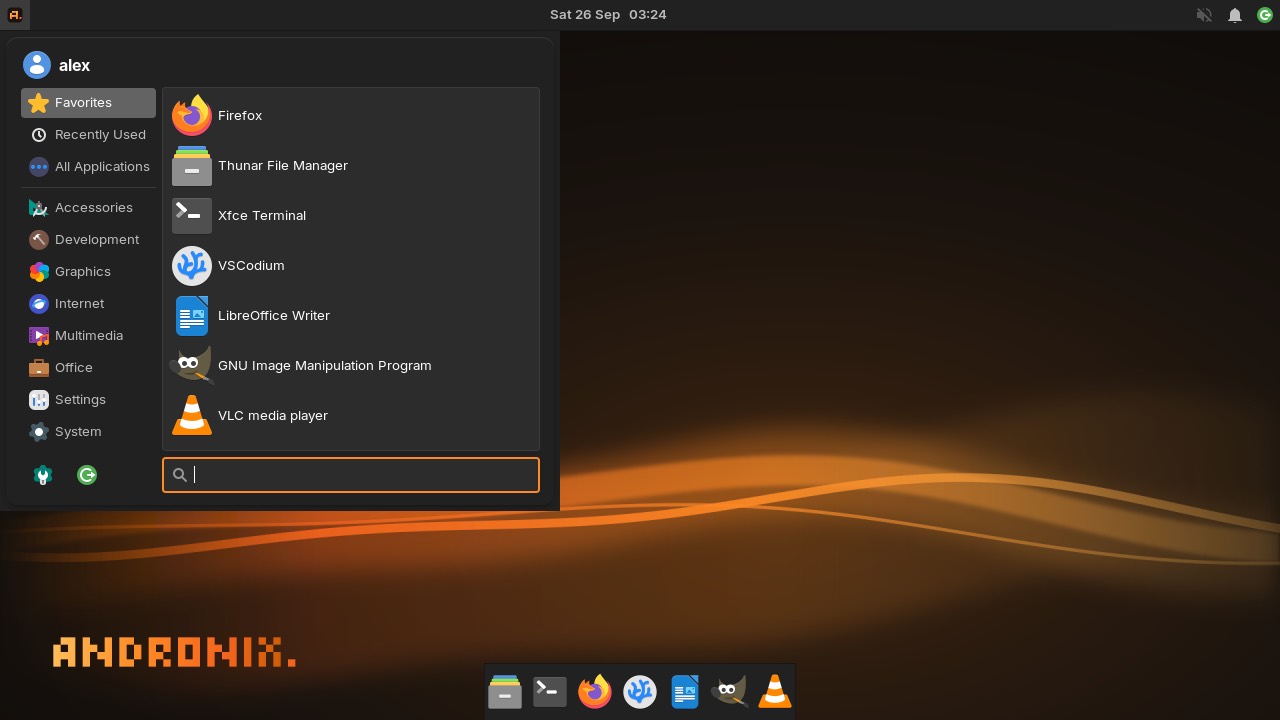
Five editions tuned for phones, with themes, fonts and apps set up: Firefox, LibreOffice, GIMP and VLC, and VSCodium on 64-bit phones.
Ubuntu XFCE Themes, apps and fonts set up
26.04
Ubuntu KDE KDE Plasma 6 tuned for phones. Runs best with 4 GB of RAM
26.04
Debian XFCE Stable and light
13
Manjaro XFCE Manjaro ARM, Andronix look
ARM stable
Kali XFCE Kali rolling, Andronix look
rolling
* Prices vary by region: we offer purchasing power parity pricing in some countries, and discounts are applied to your local price. Google Play shows your final price before you buy.
* Halloween sale: 30% off the Modded Pass and Andronix Complete until November 1, 2026, 23:59 UTC, on regional prices too. Struck-through prices are the lowest prices in the 30 days before the sale. Prices vary by region, and Google Play shows your final price before you buy.
Who it's for
From classrooms to side projects
CS students
Learn Linux, the command line, and shell scripting for college coursework, right on your phone.
Developers
Prototype, test, and run developer tools on the go without carrying a laptop.
Educators
Teach shell scripting and open-source software with an accessible, low-cost setup for every learner.
Hobbyists
Explore distributions, desktop environments, and open-source software for fun and curiosity.
What people say
From testers and users of 2.0 and 10.1
...this MASSIVE update drops, which makes it gain back its throne as the best Linux on Android app
...the Standalone installer is AMAZING
Andronix 2.0 keeps amazing me, didn't have this on my bingo list of 2026
HW acceleration also works well for me, on sd 8 gen 5.
good linux running on android with no root required this app is good and optimized
...а так то приложение просто супер👍
...otherwise the app is just great (translated from Russian)
its just very cool
Thank you i can use without phantom error
Ready to run Linux on your phone?
Install Andronix from Google Play and set up your first distro in minutes.