Andronix
Andronix 2.0 is the biggest change to Andronix since it started. The installer is new, every free distro is on a current version, the desktop runs full screen with Termux:X11, and Modded OS has five new editions. The app is version 10.0, with a new design and a new icon.
It also fixes something we got wrong. Modded OS downloads were broken from June to September 2026. If you bought a Modded OS and couldn’t install it, we’re sorry. That’s fixed, and past buyers keep their four Classic editions (see Past buyers).
What’s new, in short
- A new installer,
andronix2.0.0: one command installs a distro, and it works with Termux from F-Droid, GitHub and Google Play. - Nine free distros on current versions, with XFCE, LXQt, MATE or KDE Plasma, and Firefox included.
- A full-screen desktop with Termux:X11, with sound that works out of the box.
- New commands to update, back up, add developer tools and speed up the desktop.
- Modded OS 2.0: five editions with one Andronix look, and updates included. The Modded Pass had an early bird price during launch week (it has ended). The original editions are now Classic: archived in the app, and yours to keep if you bought them.
- App 10.0: a new dark design, a simpler install flow, and one tap to start the desktop.
- Report a problem, in the app or from Termux with
andronix report, with the details we need already filled in. - A new website and new docs, with a step-by-step path.
Free distros
The installer is rewritten from scratch as one command, andronix. You don’t need the app to use it:
(curl -fsSL --retry 4 --retry-delay 3 https://dl.andronix.app/get.sh -o $PREFIX/tmp/get.sh || curl -4 -fsSL --retry 2 --retry-delay 3 https://dl.andronix.app/get.sh -o $PREFIX/tmp/get.sh) && sh $PREFIX/tmp/get.sh install debian --de xfceIt installs proot itself, repairs a half-upgraded Termux, and checks the checksum of every download. It works with Termux from F-Droid, GitHub and Google Play (Android 11 and newer for the Play build).
Every free distro is on a current version:
| Distro | Version |
|---|---|
| Ubuntu | 26.04 LTS and 24.04 LTS |
| Debian | 13 |
| Kali Linux | rolling |
| Fedora | 44 |
| Arch Linux ARM | rolling |
| Manjaro ARM | stable |
| Alpine | 3.24 |
| Void Linux | rolling |
- Desktops: XFCE, LXQt, MATE and KDE Plasma. KDE Plasma is available on Ubuntu, Debian and Kali, and needs 4 GB of RAM.
- Firefox is included.
- You get a normal user account now, instead of running everything as root.
- Window managers are retired. Old window-manager installs map to XFCE.
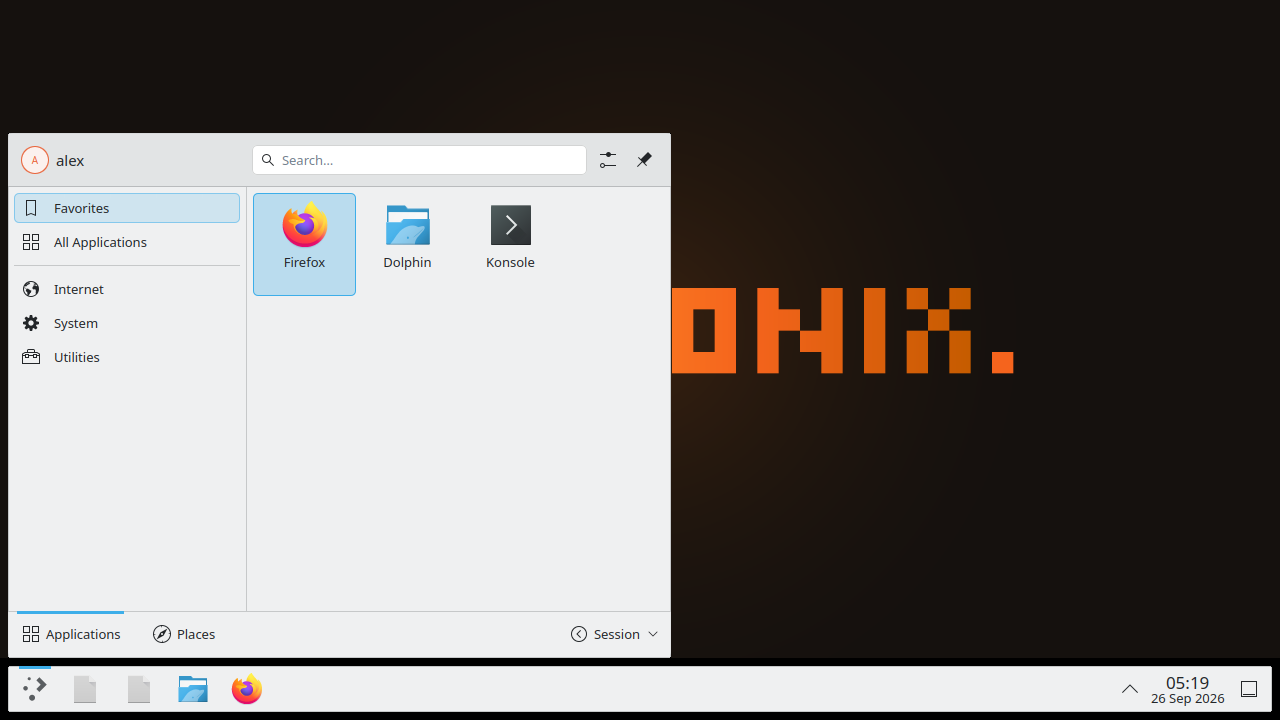
See Choose a distro and desktop and Supported distros.
The desktop, with Termux:X11
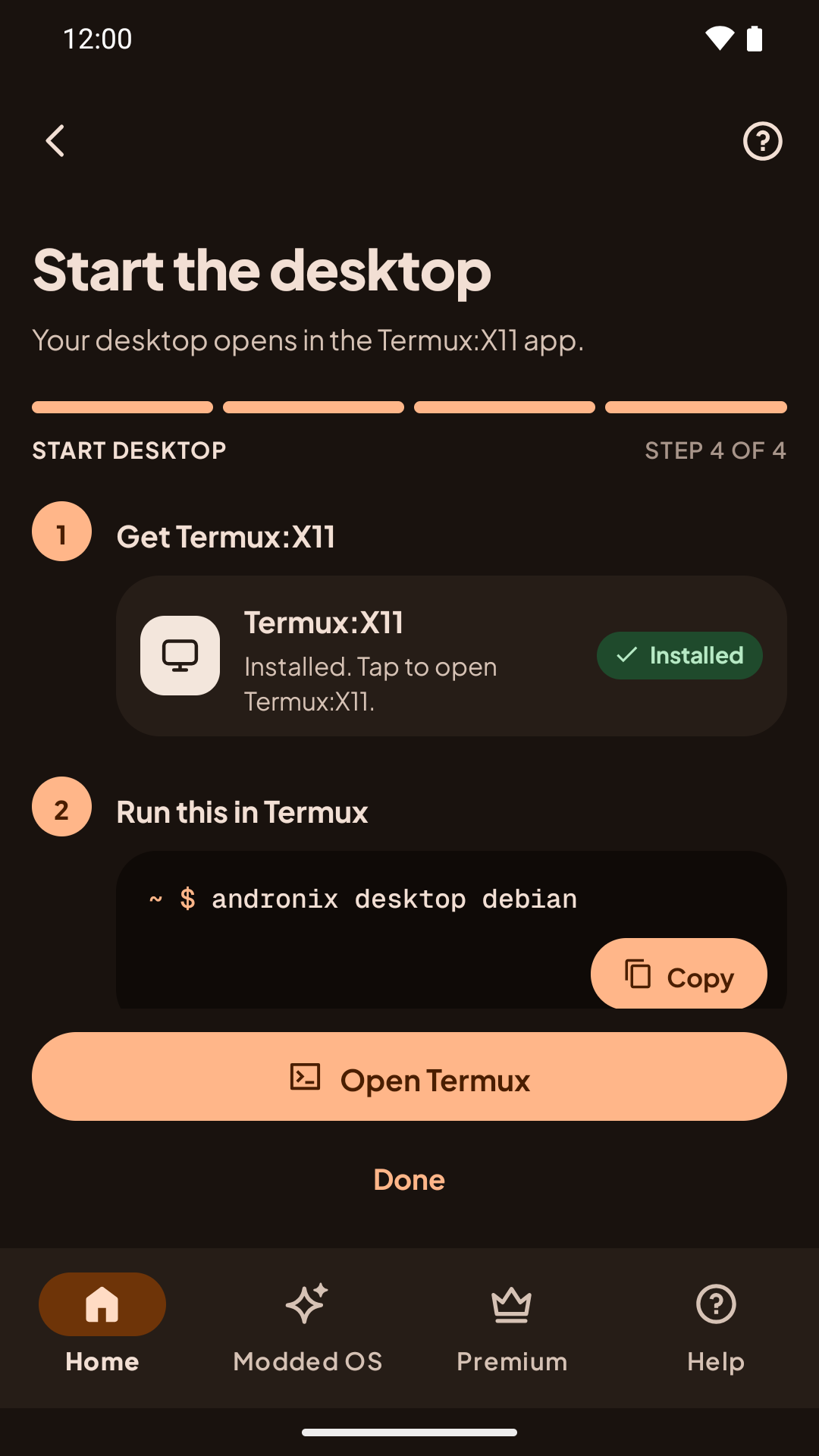
The desktop now opens full screen on the phone with the Termux:X11 app and one command:
andronix desktop debianIt’s smoother than VNC, and sound works out of the box, because Andronix sets up PulseAudio for you. Termux:X11 comes from GitHub (the termux-x11 nightly release, the universal-debug APK). See Start the desktop.
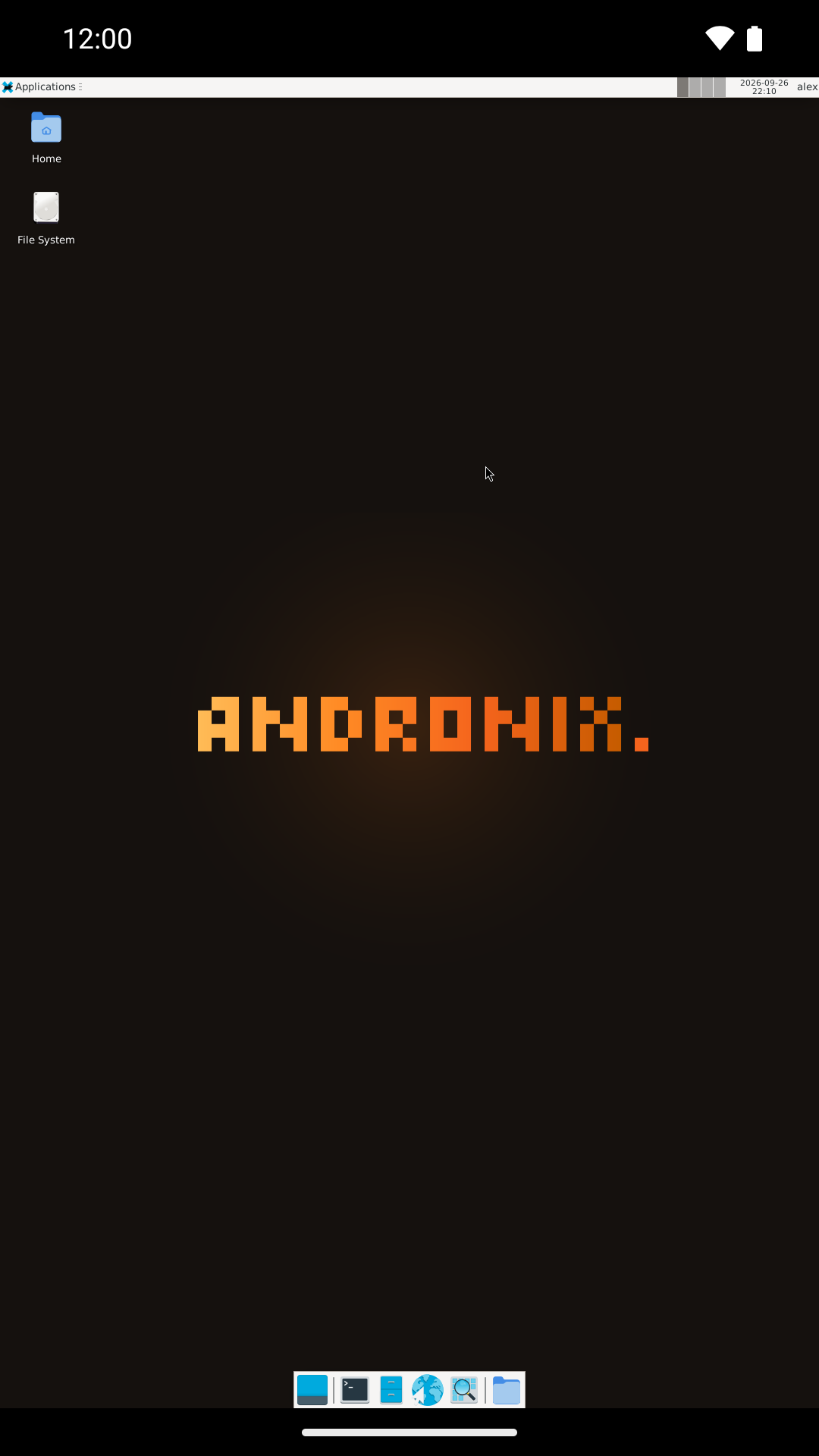
VNC is still there if you want it, for example to use the desktop from a laptop: Other ways to connect (VNC).
New commands
| Command | What it does |
|---|---|
andronix update |
Updates the installer and your distros. |
andronix backup |
Backs up a distro to your phone’s storage. andronix restore brings it back. |
andronix pack add python |
Adds a developer toolset: python, node, java, go or db. PostgreSQL works under proot. |
andronix tune |
Switches the desktop to a lighter performance profile. |
See the andronix command.
Modded OS 2.0, Classic, and past buyers
Modded OS 2.0

Five new editions, with one Andronix look and updates included:
- Ubuntu 26.04 XFCE
- Ubuntu 26.04 KDE (Plasma 6)
- Debian 13 XFCE
- Manjaro XFCE
- Kali XFCE
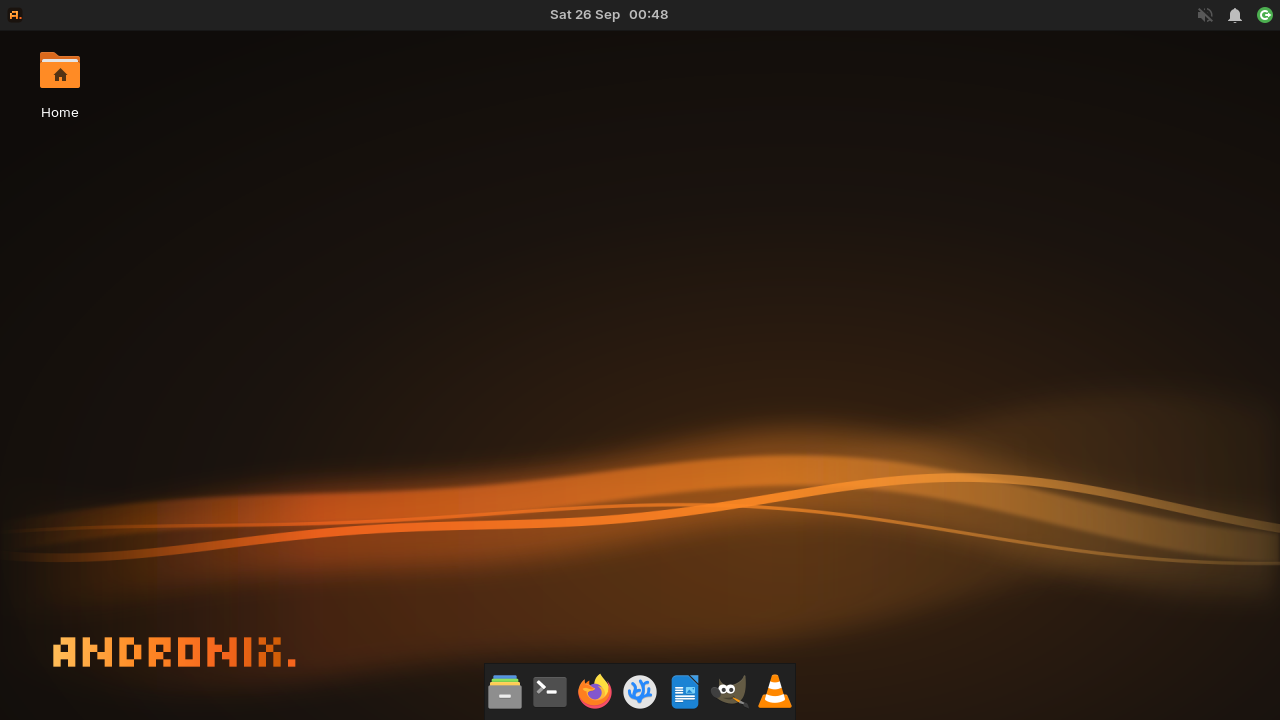


* Prices vary by region: we offer purchasing power parity pricing in some countries, and discounts are applied to your local price. Google Play shows your final price before you buy.
Classic editions
The original Modded Ubuntu XFCE, Ubuntu KDE, Debian and Manjaro are now the Classic editions. They keep their original look, rebuilt on current systems. They aren’t sold anymore. If you bought them, they stay in the app as Archived: yours to keep.
Past buyers
- The Modded download outage (June to September 2026) is fixed.
- Your purchases are verified with Google Play and kept safe on our servers.
- Your four Classic editions stay yours, free, in the app’s Archived section.
- Owning Classic editions doesn’t give a discount on Modded OS 2.0: you pay the regular price.
Premium

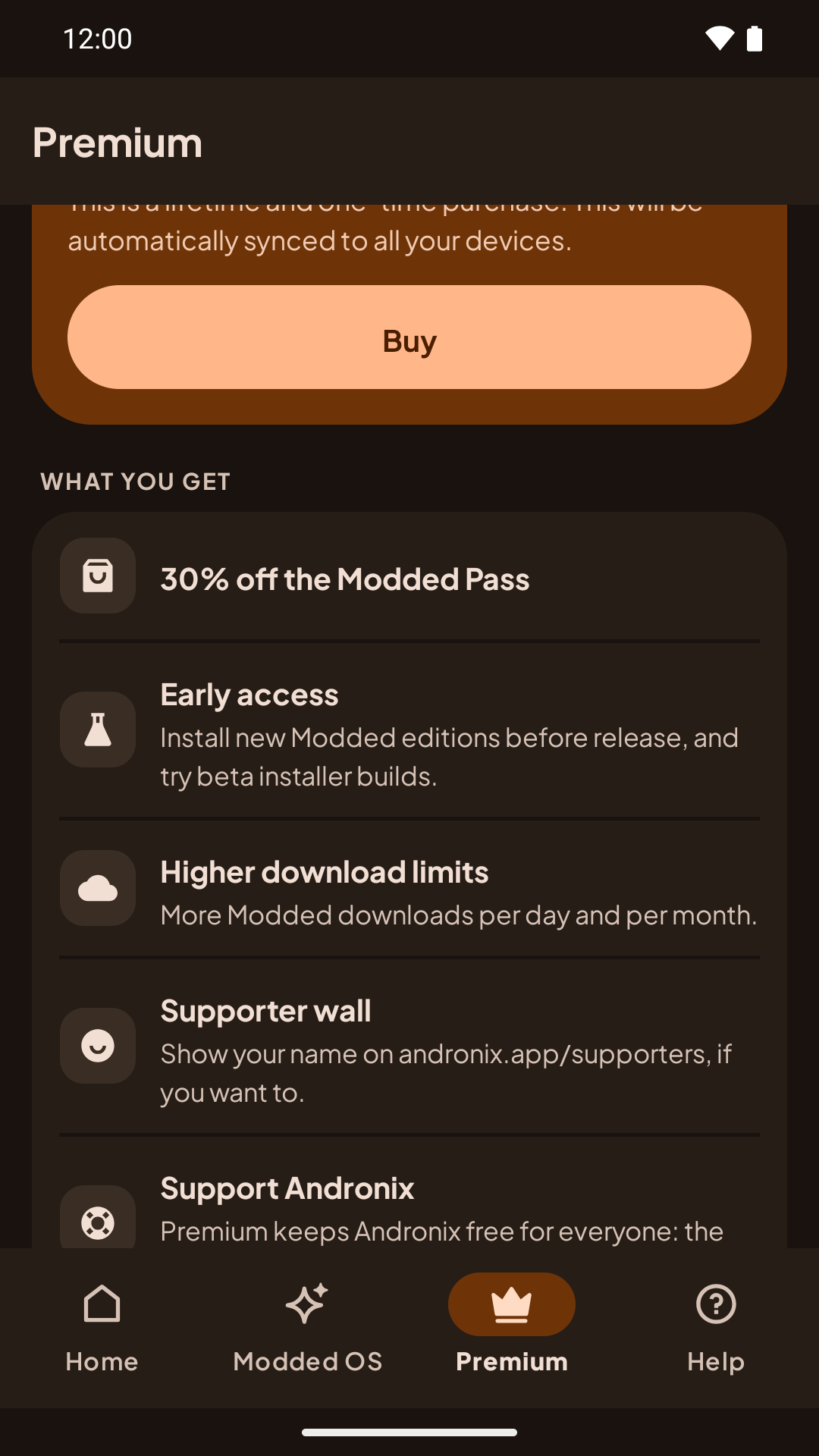
Premium is $2.99 and includes:
- Modded Pass 30% off*;
- early access to new Modded editions and to beta installers;
- higher Modded download limits;
- an optional spot on the supporter wall on andronix.app.
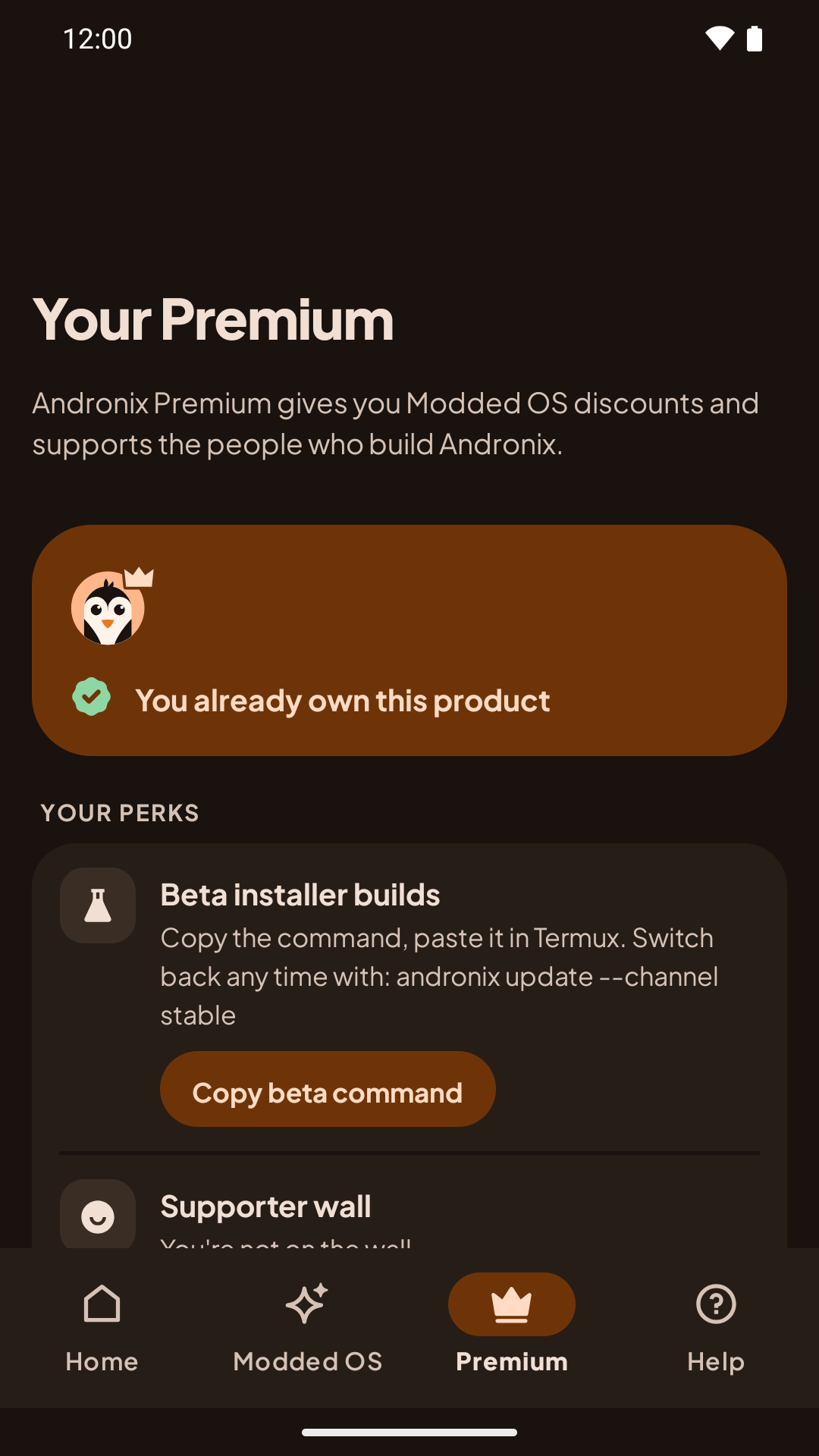
If you already have Premium, you keep everything.
The app: version 10.0
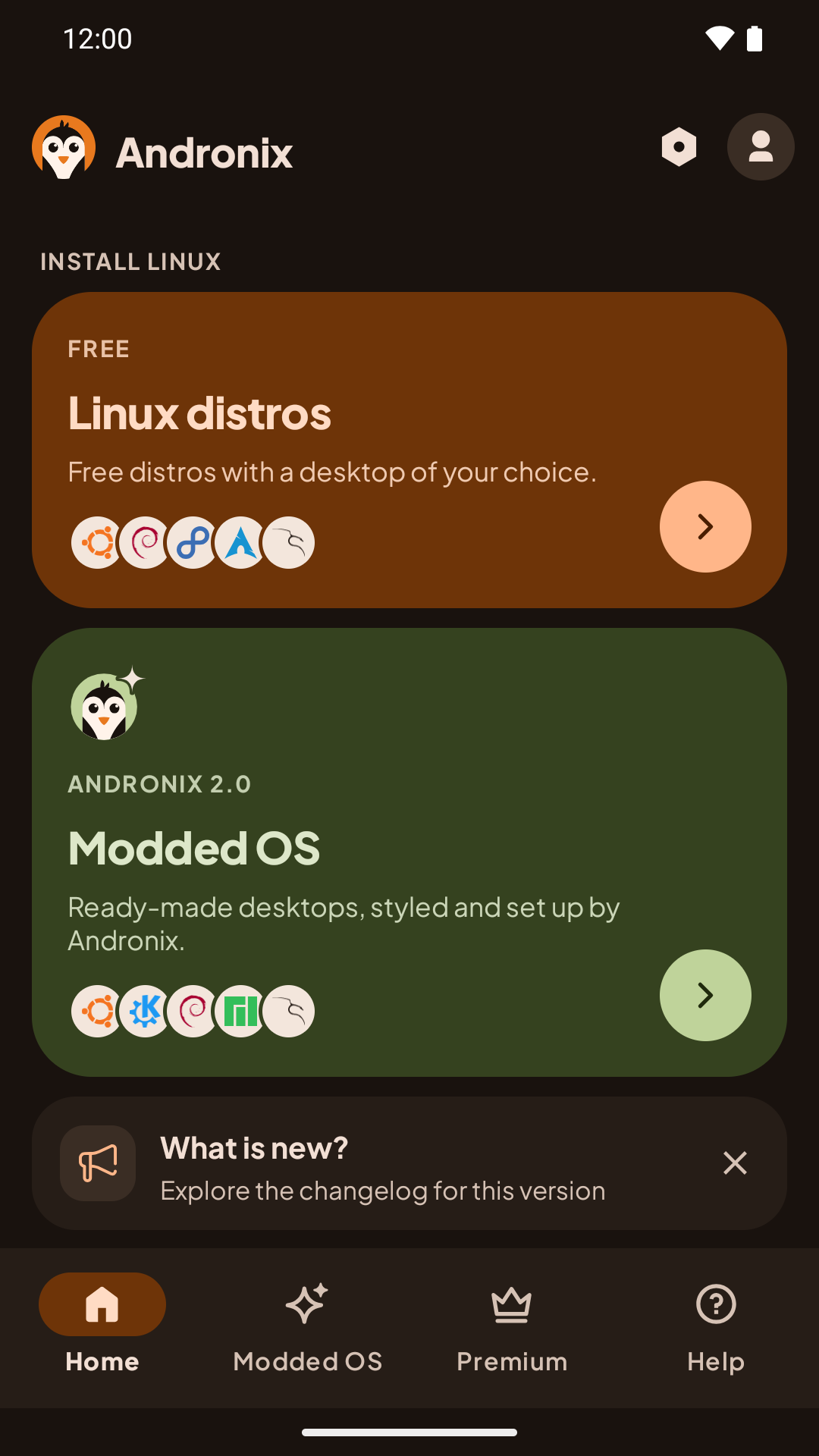
- A new dark design and a new icon.
- A simpler install flow: the Termux step shows the command to run.
- A notification with the result of your install.
- A one-tap Start the desktop step with Termux:X11.
- Account deletion inside the app.
- Andronix Commands is retired. You can export your saved commands from the app.
- Andronix Auto is removed.
Privacy
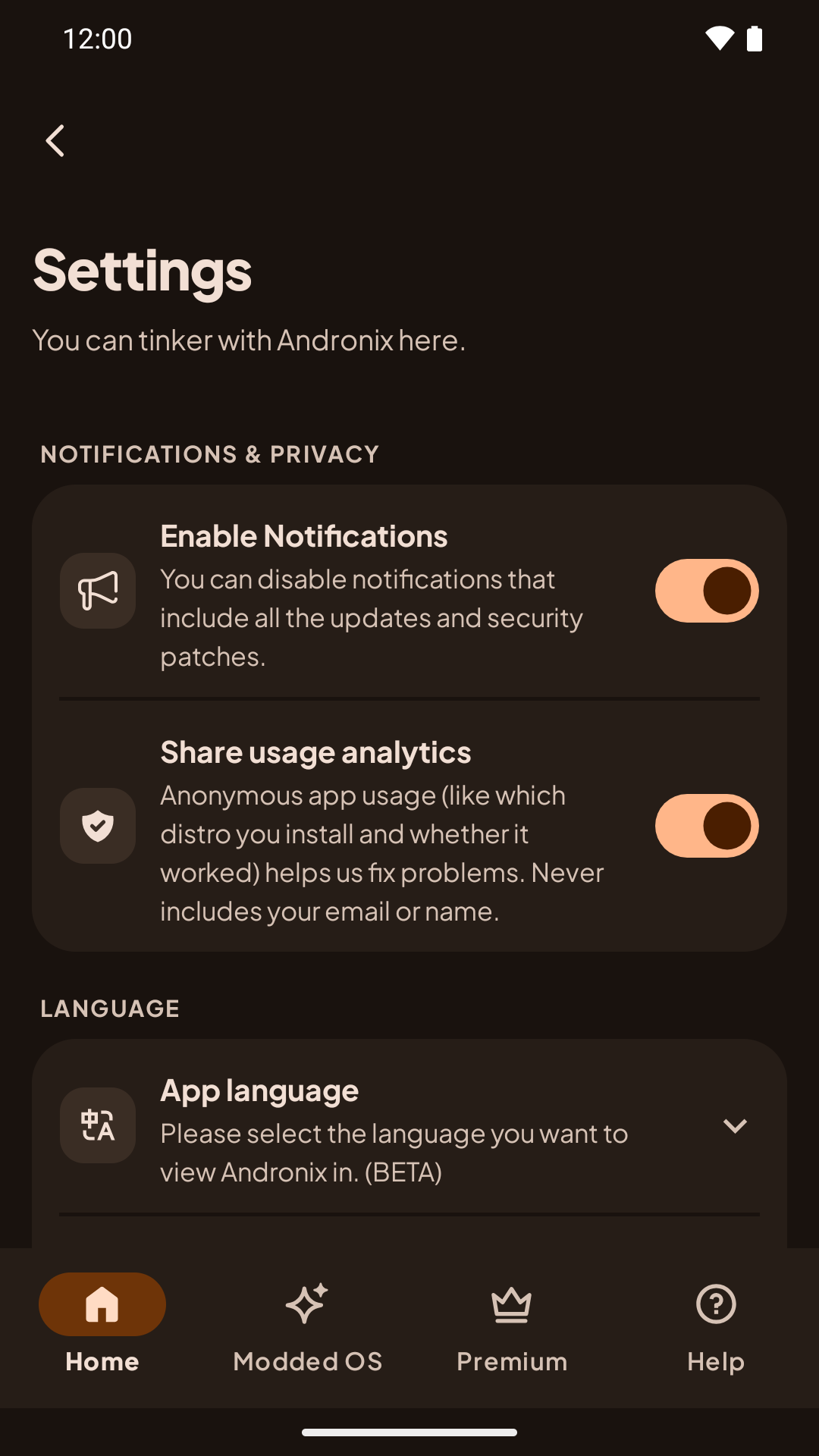
Andronix 2.0 adds optional, cookie-free analytics, using OpenPanel on our own servers. It doesn’t collect emails or names. You can turn it off in the app’s Settings, with Share usage analytics:
And in the installer with:
andronix telemetry offReport a problem
If something goes wrong, open Report a problem in the app. The report includes the device and install details we need, and you can add up to three screenshots or photos (the app removes location and other metadata first).
If an install fails in Termux, run:
andronix reportandronix report comes with installer 2.0.2. It shows exactly what will be sent and uploads it only if you agree. Then it opens the app with the report already filled in, so you only add what you were doing. See Report a problem.
Known issues
- On some Android 9 phones with a 4.4 kernel, desktops may show a black screen. The command line works, and the installer warns you before a desktop install. See The installer warns about an old kernel.
If you run into something else, use Report a problem in the app, or tell us on Discord.
How to upgrade
- Update the Andronix app to version 10.0 from Google Play.
- Install a distro from the app, or with the one-line command above. The docs walk you through it, step by step: start here.
- Open the desktop with
andronix desktop <distro>and the Termux:X11 app: Start the desktop.
Already have a distro from before 2.0? See Installs from before Andronix 2.0.
For the full list of changes, see the Changelog.
Thanks for sticking with Andronix. See you on Discord.