Andronix
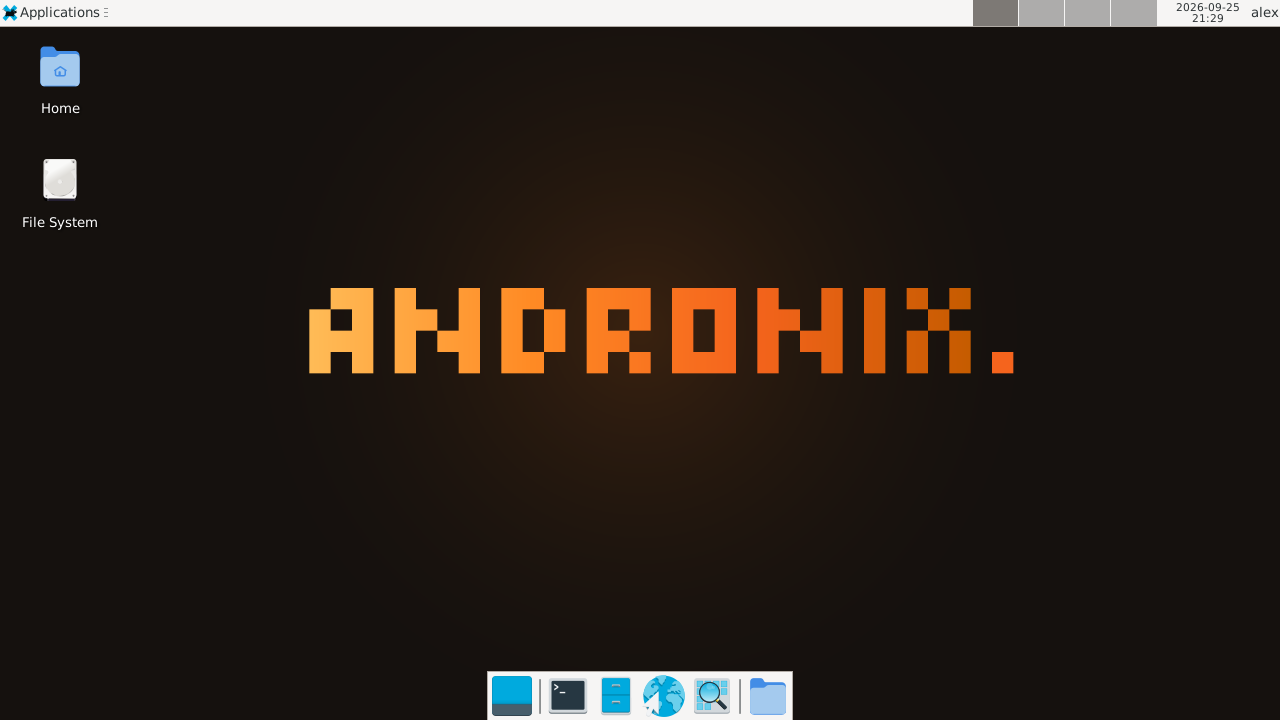
You can run a real Ubuntu system on an Android phone or tablet without rooting it. With Andronix 10.1, Ubuntu and its desktop run right inside the Andronix app: you pick Ubuntu, set up your user, and the desktop opens in the app. There’s nothing else to install and no command to paste. Nothing on Android itself is changed, and you can remove Ubuntu at any time.
What you get
- Ubuntu 26.04 LTS (“Resolute Raccoon”), or Ubuntu 24.04 LTS if your software isn’t ready for 26.04 yet.
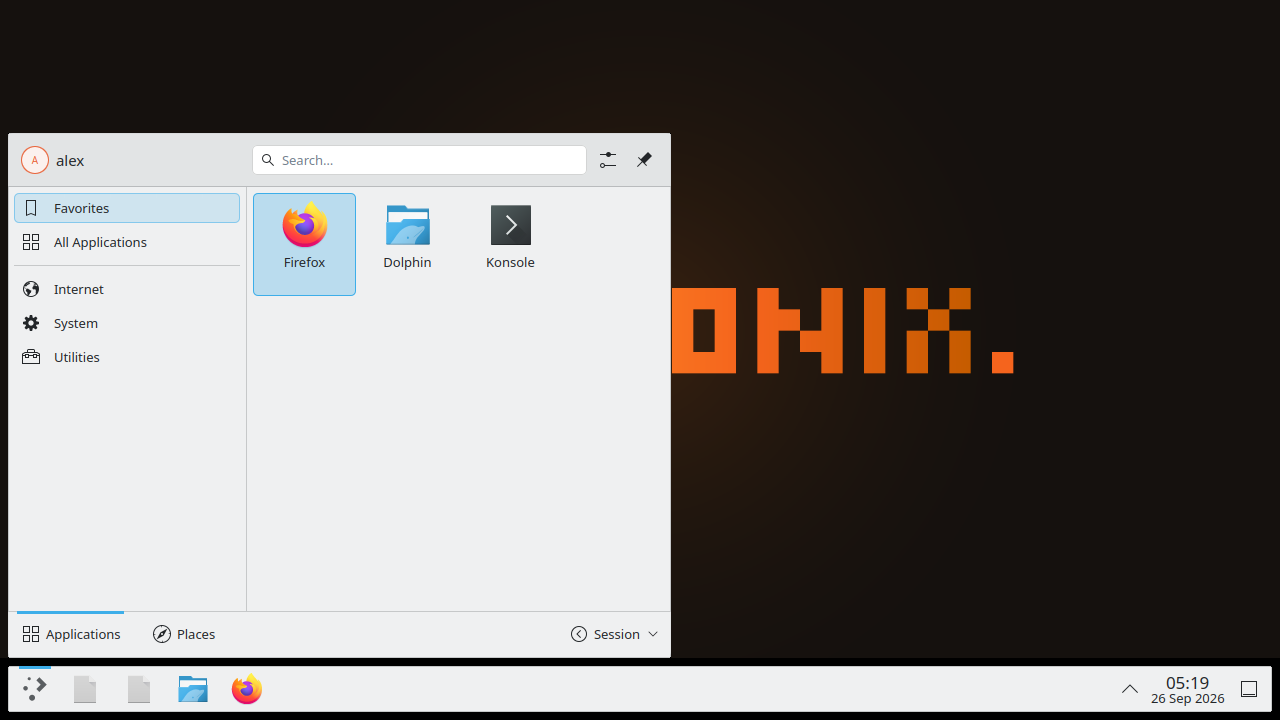
- A desktop of your choice: XFCE, LXQt, MATE or KDE Plasma (KDE Plasma on Ubuntu 26.04 only), or the command line only.
- Firefox, installed from Mozilla’s own repository. Ubuntu’s own Firefox package is a Snap, and Snaps can’t run on Android, so Andronix uses Mozilla’s build instead.
- Sound through the phone’s speakers.
- A normal user, not root. Use
sudofor admin commands, like on a Linux PC.
This guide covers the free Ubuntu. Want Ubuntu with apps and a look already set up? Modded Ubuntu is the paid Modded OS edition of Ubuntu 26.04, with XFCE or KDE Plasma, and LibreOffice, GIMP and VLC ready on first boot (VSCodium too, on 64-bit phones): see Modded Ubuntu for Android.
What you need
| Android | 8 or newer. No root. |
| CPU | A 64-bit ARM processor (arm64). Almost every phone from the last few years has one. |
| Free storage | About 1.8 GB for Ubuntu. The app tells you how much it needs before it starts. |
| RAM | No minimum. KDE Plasma needs about 4 GB. |
| Apps | Only Andronix, from Google Play. |
Full details: Requirements. On Android 7 or a phone without an arm64 processor, see On older phones: with Termux.
Step 1: Install Andronix
Install Andronix from Google Play and open it. On Home, under Install Linux, tap Linux distros.
Step 2: Pick Ubuntu and a desktop
Choose Ubuntu 26.04 LTS, or Ubuntu 24.04 LTS if a program you need only supports 24.04. Then pick a desktop:
| You want | Pick |
|---|---|
| Our pick for most people | XFCE |
| A lighter desktop | LXQt |
| A classic desktop with menus at the top | MATE |
| KDE Plasma (Ubuntu 26.04, about 4 GB of RAM) | KDE Plasma |
| No desktop, just a terminal | Command line only (no desktop) |
On a device with less than about 4 GB of RAM, the app warns you about KDE Plasma and suggests XFCE. Not sure which to pick? See Choose a distro and desktop.
Step 3: Set up your user
On Set up your user, enter a User name (lower-case letters and numbers) and a Password (at least 4 characters), then tap Continue. The root account stays locked; use sudo with this password for admin work.
Step 4: Wait for the install
The app shows each step as it goes: checking your device, downloading and unpacking Ubuntu, installing the desktop and Firefox, and setting up your user. It usually takes 5 to 30 minutes, depending on your phone and your connection.
You can leave the app: the install keeps going in the background, with a notification that shows the step. If it stops, the app says what went wrong and offers Try again.
Step 5: Open the Ubuntu desktop
When it’s done, tap Open the desktop. For a command-line install, tap Open the terminal instead. The first start can take a minute.
Later, Ubuntu is on Home under Your Linux. Tap its row to open the desktop, or Terminal to open Ubuntu’s terminal. Try it:
cat /etc/os-release
sudo apt update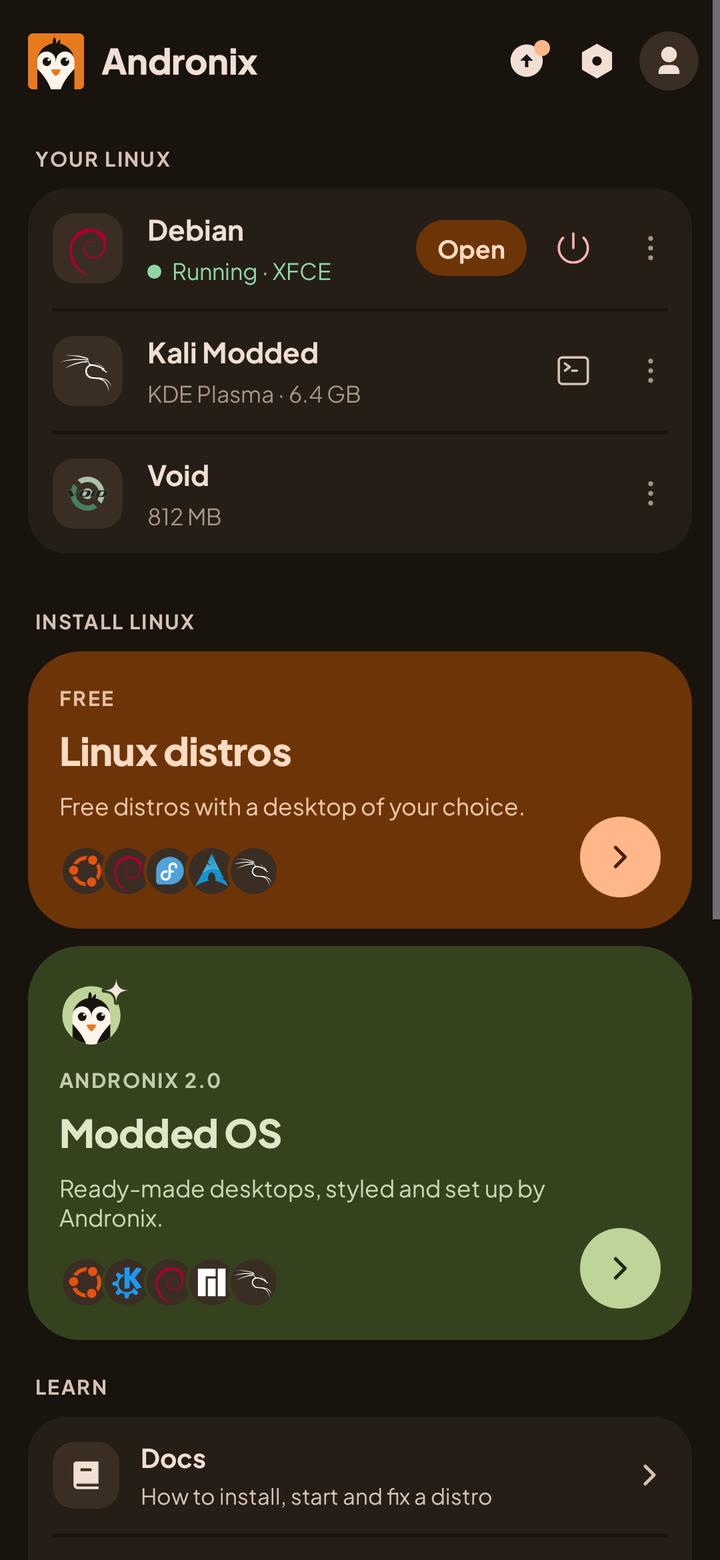
More: Install in the app and Your Linux on Home.
Keep Linux running in the background
Android can stop apps in the background. If battery optimisation applies to Andronix, the app shows Keep Linux running once: tap it, so Android doesn’t stop Ubuntu while you use other apps. If Android stops it anyway, you see Android stopped Ubuntu; tap it to start Ubuntu again. See Process completed (signal 9).
Using Ubuntu day to day
| To | Do this |
|---|---|
| Open the desktop | Home > Your Linux, tap Ubuntu’s row |
| Open Ubuntu’s terminal | Tap Terminal on Ubuntu’s row |
| Update Ubuntu’s packages | sudo apt update && sudo apt upgrade, in Ubuntu’s terminal |
| Install a program | sudo apt install <name> |
| Add Python, Node.js, Java, Go or PostgreSQL | sudo andronix pack add python (or node, java, go, db) |
| Share files with Android | Save them to ~/Android/Download or ~/Android/Documents |
| Remove Ubuntu | Home > Your Linux > ⋮ > Remove |
What you save in ~/Android/Download and ~/Android/Documents appears in Download/Andronix and Documents/Andronix on your phone. To bring a file in, use Import in Settings › Linux › Android files in Linux. Your Linux home also shows in Android’s Files app. See Android files in Linux, Keep it updated and Dev packs.
There’s no backup inside the app yet, so keep copies of important files in the shared folders.
What doesn’t work
Ubuntu runs in user space with proot, on top of Android’s own kernel, so some things are out of reach without root:
- Snap, Flatpak and Docker don’t run. Use
aptpackages instead (Firefox already comes from Mozilla’s repository for this reason). - No VPNs, USB drives or other hardware access. Android manages the network and hardware, not Ubuntu.
- No microphone yet. Sound output works.
- GPU acceleration is experimental and off by default. You can try it in Settings › Linux › GPU acceleration; see GPU acceleration.
The full list: Limitations.
Common questions
Is this the same as Ubuntu Touch?
No. Ubuntu Touch, from the UBports project, is a separate mobile operating system that replaces Android on a short list of supported phones. Andronix runs regular Ubuntu inside its own app, next to Android, and your apps and data stay as they are.
Do I need root, or to unlock the bootloader?
No. Nothing is flashed and nothing on Android is modified. Ubuntu lives in the Andronix app. To delete it, open Home > Your Linux, tap ⋮ next to Ubuntu, then Remove.
Ubuntu 26.04 or 24.04?
Pick 26.04 LTS unless a program you need only supports 24.04. Both are long-term support releases. If you had Ubuntu 18, 20 or 22 from the old app, its buttons now install a current version: the old Ubuntu 22 button installs 26.04, and Ubuntu 18 and 20 install 24.04. Old installs keep working; see Installs from before Andronix 2.0.
Is it slow?
On a mid-range phone, a light desktop like XFCE or LXQt is usable for browsing, coding and office work. If KDE Plasma feels heavy, XFCE and LXQt are lighter.
On older phones: with Termux
On Android 7, on a phone without a 64-bit ARM processor, or if you prefer the command-line installer, Andronix runs Ubuntu in Termux instead. Install Termux from F-Droid (recommended), the Termux project’s GitHub releases, or Google Play (Android 11 and newer), then paste this line into it:
(curl -fsSL --retry 4 --retry-delay 3 https://dl.andronix.app/get.sh -o $PREFIX/tmp/get.sh || curl -4 -fsSL --retry 2 --retry-delay 3 https://dl.andronix.app/get.sh -o $PREFIX/tmp/get.sh) && sh $PREFIX/tmp/get.sh install ubuntu --de xfceThe whole Termux setup, with the desktop: Andronix with Termux and the docs.
Next steps
- Your Linux on Home: open, stop and remove your distros.
- Choose a distro and desktop: Debian, Kali, Fedora, Arch and more install the same way.
- Modded Ubuntu: Ubuntu 26.04 with the apps and the Andronix look set up for you.
- Stuck? Linux in the app: limits and problems, or ask on Discord.